Multilingual Team Syncs
Transcribe calls in German, French, or Spanish and share translated summaries with HQ.

Batch file upload processes multiple interviews or webinar recordings in parallel.

Review live plans, technical specifications, and onboarding options directly on the official service site.
Yes, Notta offers a free starter tier with monthly transcription minutes before upgrading to Pro or Business plans.
Notta integrates with Zoom, Google Meet, Microsoft Teams, and Webex, and also captures browser tab audio via its Chrome extension.
Yes, you can upload WAV, MP3, M4A, MP4, and other common media formats for fast batch transcription.
All data is encrypted in transit and at rest under SOC 2 Type II and GDPR-aligned security practices.
Transcribe calls in German, French, or Spanish and share translated summaries with HQ.
Convert podcast or user-interview recordings into searchable text and SRT captions.
Focus fully on the conversation while Notta captures verbatim quotes and next steps.
Each transcript includes speaker identification, clickable timestamps, and customizable AI summary blocks that distill long discussions into executive takeaways and action items. Built-in translation converts transcripts into over 40 languages for cross-border collaboration.
Notta AI enforces TLS/AES-256 encryption, SOC 2 Type II controls, and GDPR-aligned workspace policies, with export support for TXT, DOCX, PDF, and SRT formats across web, browser extension, and mobile apps.
Distributed European teams spend hours each week in multilingual calls where key decisions and follow-up tasks get lost in scattered manual notes. Notta AI automates capture by joining Zoom, Google Meet, Microsoft Teams, and Webex meetings or transcribing uploaded audio and video recordings in minutes.
Download transcripts and subtitles as TXT, DOCX, PDF, or SRT, or share summary links.
Generate structured meeting recaps, bullet highlights, and action items right after each call.
Encrypted in transit and at rest with SOC 2 Type II and GDPR-aligned privacy controls.
Separate participants automatically with clickable timestamps synced to audio playback.
Transcribe live meetings and uploaded audio or video across major European and global languages.
Connect Google or Outlook calendars to record and transcribe Zoom, Meet, and Teams calls.
Open the official website to explore plans, test access, or launch your workflow today.
Receive curated platform briefs and directory updates directly in your inbox.
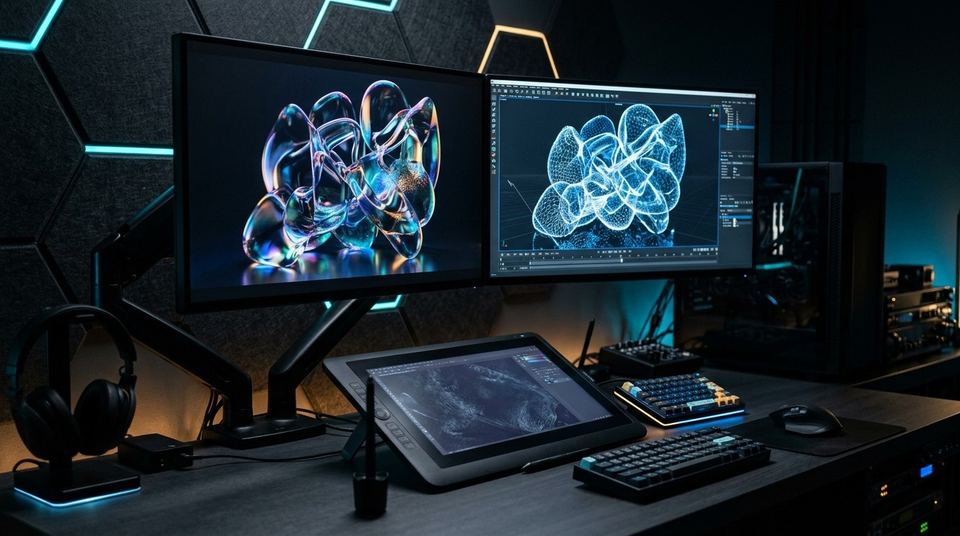

GenGuru replaces recurring studio subscriptions with permanent €5, €10, €25, and €50 PayPal credit packs priced around €0.08 per credit. Failed generations deduct zero credits, and creators retain full commercial ownership of every visual and MP4.
Browse Specification →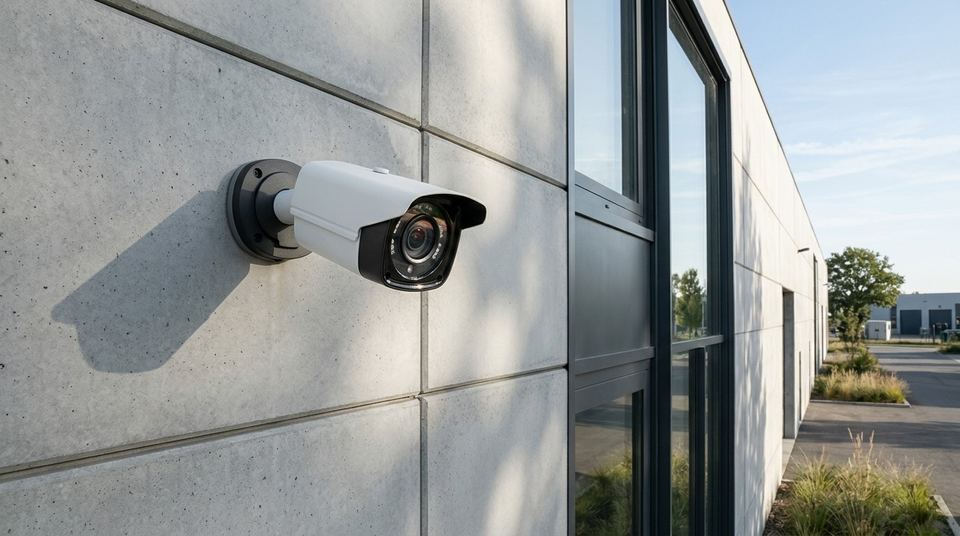

While a live stream is open in 7Towers, client-side AI inference highlights people, vehicles, and animals with real-time bounding boxes. Eight-character XXXX-XXXX pairing codes and per-host can_view permissions simplify multi-property oversight across Homes, Computers, and Cameras.
Browse Specification →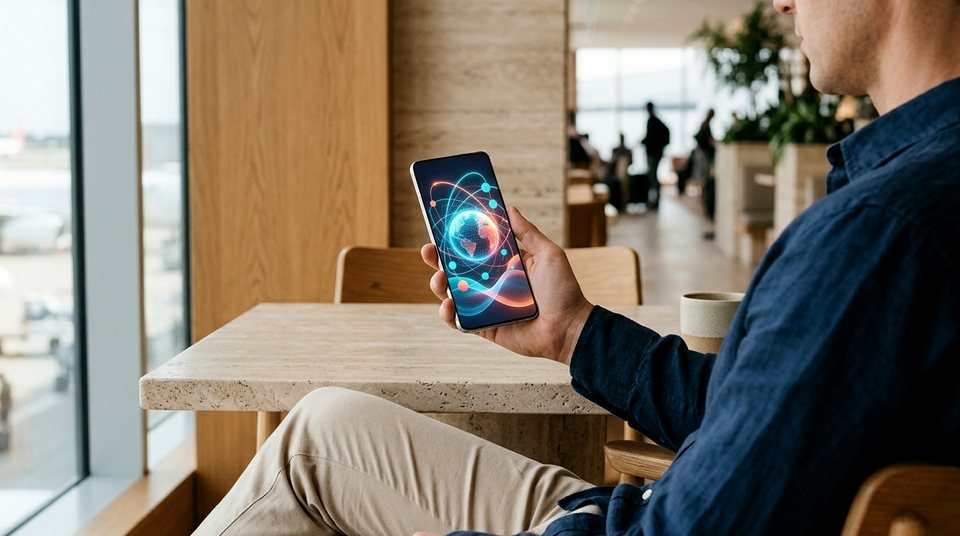

Keep your home SIM active for bank 2FA while routing all mobile data traffic through a dedicated Letisim travel eSIM.
Browse Specification →